Pests and Diseases
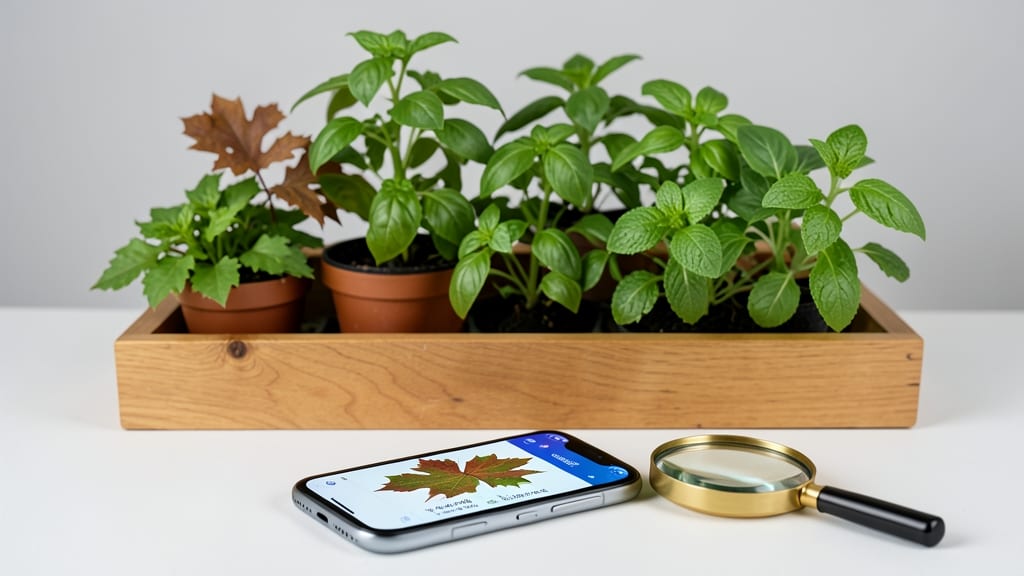
That yellowing leaf on your tomato plant isn’t just a mystery—it’s a message. 🌿 A leaf recognition app turns guesswork into answers in seconds, helping you spot fungal spots, chewed edges, or nutrient deficiencies before they ruin your garden.
I’ve used PlantNet and Google Lens to diagnose everything from powdery mildew to aphid infestations, and the difference in my harvests is night and day.
The magic happens with your phone camera and a few taps. Snap a clear photo of the leaf (top and bottom!), upload it to the app, and it matches your plant to a database of thousands of species, pests, and diseases.
No horticulture degree required—just a sharp eye and a willingness to act. My first diagnosis? A case of early blight that I treated with copper spray, saving my entire crop.
What you’ll get is a clear ID, treatment options, and sometimes even care tips tailored to your plant’s needs. The app won’t replace good gardening habits, but it’ll give you confidence to tackle problems fast—before they spread. Think of it as a pocket-sized plant doctor, always on call.
Works for houseplants, veggie gardens, or shade trees—anywhere you need a second opinion. Here’s how to use it like a pro, from lighting tricks to avoiding common pitfalls.
📚 In This Guide
- What you need
- Instructions
- Tips and common mistakes
- Wrapping up and next steps
What you need
- ● Smartphone or tablet: Android (API 21+) or iOS (iOS 12+). A modern device with a 12MP+ camera works best for high-resolution leaf images.
- ● Leaf recognition app: PlantNet (free, open-source)
- ● PictureThis (free with premium features)
- ● Google Lens (built into Google Photos)
- ● Stable internet connection: For real-time database checks (Wi-Fi recommended).
- ● Garden or plant samples: Leaves with visible signs of pests (e.g., holes, spots) or diseases (e.g., yellowing, mold).
- ● Tripod or stabilizer: For steady shots of leaves (especially if they’re large or wobbly).
- ● Natural light source: Overcast days or shade reduce harsh shadows for clearer images.
- ● Magnifying glass: To inspect tiny details (e.g., aphids, spider mites) before snapping photos.
- ● Notebook or journal: To log observations, symptoms, and app results for tracking progress.
How to use a leaf recognition app for pest and disease ID
Skip the guesswork—here’s how to turn your phone into a garden detective.
📱 Step 1: Download and Set Up the App
Start by downloading a reliable leaf recognition app from your device’s app store. I recommend ones with high accuracy ratings and user reviews—apps like PlantNet or PictureThis work well. Open the app and grant it access to your camera and location (this helps with regional plant databases).
Before you snap your first photo, take a moment to read the app’s quick-start guide. Most apps have a tutorial that explains how to capture clear images. This ensures the app can accurately identify what’s wrong with your plants. I always check for updates first—newer versions often include better pest and disease databases.
🌿 Step 2: Capture Clear, Well-Lit Photos
Focus on the affected leaves or stems. The app needs a close-up shot of any visible damage, spots, or pests. Hold your phone steady about 6 inches away from the plant—too far, and the app won’t detect details; too close, and you’ll get a blurry mess. Natural light works best, so avoid shady spots or harsh midday shadows.
If the app asks for multiple angles, snap a few. For example, show the underside of leaves (where many pests hide) and the overall plant structure. I like to take photos on an overcast day—clouds diffuse light, reducing glare and making details sharper. Avoid using flash; it creates harsh shadows that confuse the app’s algorithms.
🐛 Step 3: Identify the Issue and Review Results
Once you’ve uploaded the photo, the app will process it and generate a list of possible matches. Look for the top results—usually, the first few are the most accurate. For example, if your app suggests "aphids" or "powdery mildew," check the accompanying images and descriptions to confirm. I always cross-reference with a trusted gardening resource (like the University of Maine’s pest guide) to double-check.
Pay attention to the app’s confidence level. If it’s below 80%, the identification might be unreliable. In that case, take another photo or describe the symptoms in the app’s notes section. Some apps even let you upload additional photos or share your location for more tailored results. This step is where you’ll spot common mistakes—like mistaking fungal spots for insect damage.
✂️ Step 4: Take Action Based on the Diagnosis
Now that you know what’s wrong, it’s time to treat it. The app will often include treatment options, like organic sprays, pruning techniques, or cultural fixes (like improving airflow). For example, if the app identifies powdery mildew, it might suggest neem oil or sulfur sprays. Follow the app’s recommendations but always verify with your local extension service—some treatments may not be suitable for your climate or plant type.
Document your treatment process. Take follow-up photos a week later to see if the issue improves. I keep a simple garden journal in my notes app, logging what I treated and when. This helps track patterns—like if certain pests return every summer. If symptoms worsen, revisit the app or consult a local expert. Don’t ignore persistent problems; they can spread quickly.
📝 Step 5: Prevent Future Issues with Proactive Care
Use the app’s preventive tips to keep your garden healthy. Many apps offer seasonal checklists or alerts for common pests in your area. For example, if the app warns about Japanese beetles in late June, set a reminder to inspect your roses and grapes. Prevention is easier than treatment—so take notes on what works (like companion planting or regular pruning) and what doesn’t.
Share your findings with other gardeners in the app’s community forums (if available). Real-world experiences can offer solutions the app might miss. I’ve learned tricks like using soapy water sprays for soft-bodied insects or reflective mulch to deter pests—all from gardening groups. The more you use the app, the better you’ll recognize early signs of trouble before they become full-blown problems.
Tips & tricks for perfect plant diagnostics with leaf recognition apps
Turning your phone into a garden detective gets easier with these pro insights that'll save you time and frustration.
Photo Composition Matters: In Step 2, when capturing those 6-inch-close-ups, include a reference object like a coin or your finger for scale. This helps the app understand the true size of damage, especially when dealing with tiny pests like spider mites or fungal spores. I've seen apps completely miss identification when scale was unclear—this simple trick adds crucial context without extra effort.
App Accuracy Boosters: For Step 3's confidence levels, always take photos when the plant is dry—not after rain or dew. Moisture can distort colors and make fungal issues look worse than they are. I also recommend capturing both the top and bottom of leaves (especially for pests that hide underneath) to give the app the full picture. This doubles your chances of a precise match.
Treatment Verification: When the app suggests treatments in Step 4, I can't stress enough how important it is to cross-check with your local agricultural extension office. Some apps recommend broad-spectrum pesticides that might harm beneficial insects or violate organic standards. I've seen cases where app suggestions conflicted with regional regulations—always verify before spraying anything.
Pro Tips for Leaf Recognition App
- Turning your phone into a garden detective gets easier with these pro insights that'll save you time and frustration.
- Photo Composition Matters: In Step 2, when capturing those 6-inch-close-ups, include a reference object like a coin o...
- App Accuracy Boosters: For Step 3's confidence levels, always take photos when the plant is dry—not after rain or dew...
Frequently asked questions
Got questions about using a leaf recognition app to tackle garden pests and diseases? Here are some common ones—and their answers—to help you get started:
How accurate are leaf recognition apps in identifying pests and diseases?
Most modern leaf recognition apps use AI and databases of thousands of plant species, pests, and diseases, offering 90%+ accuracy for common issues. However, rare or regional pests may not always be recognized. Always cross-check with local agricultural extensions for confirmation.
How long does it take to get results after uploading a photo?
Results are usually instant—within 1-5 seconds—thanks to cloud-based processing. Some apps may take slightly longer if your internet connection is slow or if the image needs extra analysis. Pro tip: Ensure good lighting and clear focus for faster, more accurate results.
Do I need a smartphone to use a leaf recognition app?
Yes, leaf recognition apps are designed for smartphones or tablets with cameras. While some may offer web versions for uploading photos, mobile apps provide the best experience for real-time scanning and GPS-tagged plant databases.
What should I do if the app can’t identify my plant issue?
If the app struggles, try these steps:
- Improve lighting: Shoot in natural light, not shade or artificial light.
- Zoom in on the affected area for clearer details.
- Upload multiple angles—some pests hide on the underside of leaves!
- Check for similar entries in the app’s database; it might be a close match.
Can I use these apps for indoor plants or only outdoor gardens?
Most leaf recognition apps work for both indoor and outdoor plants, including houseplants, herbs, and vegetables. Just ensure the app’s database covers your specific plant type—some specialize in edibles or tropical species.
Wrapping up and next steps
From identifying garden pests to diagnosing plant diseases in seconds, a leaf recognition app is your new secret weapon for a thriving garden! 🌱 With just a snapshot, you gain instant insights—no guesswork, no frustration.
Whether you're a seasoned gardener or just starting, this tool makes plant care effortless and empowering.
Ready to take the next step? Download your favorite leaf recognition app today and start protecting your plants with confidence. Happy gardening! 🌿